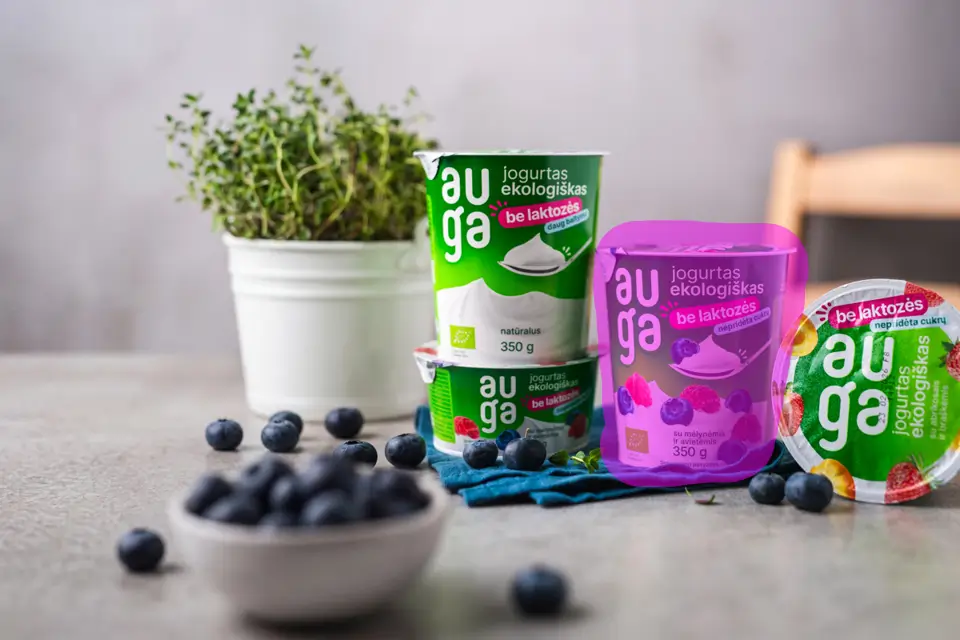

Before
After
Remove distractions, wires, tourists, or unwanted elements while keeping the scene natural.
Generate images, replace objects, extend backgrounds and enhance photos directly in your editor using advanced AI models.
Professional AI-powered image creation and editing, right inside your editor.
Select any region and transform it with AI. Change colors, textures, styles, or swap elements — the rest stays untouched.
Generate images from text prompts in resolutions up to 4K. Choose from leading AI models for the perfect result.
Upload reference images to guide style, lighting, and materials. Show the AI exactly what you want.
Restore, colorize, retouch, and repair with pre-built AI workflows. Professional results in a single click.
Choose between Replicate and Gemini API. Pick the best provider for speed, quality, or cost.
Connect directly to AI providers using your own API keys. No middleman, full control over costs and privacy.
Just three simple steps to start generating AI images.
Download the plugin for Krita or Photoshop in seconds.
Create an API key from Gemini or Replicate to enable AI generation.
Generate images and edit visuals with AI directly inside your editor.
From simple prompts to polished results — compare before and after examples with the slider.
Remove distractions, wires, tourists, or unwanted elements while keeping the scene natural.


Extend compositions beyond the original crop to create banners, covers, and roomier layouts.


Replace objects, improve details, and redraw selected areas without rebuilding the whole image.
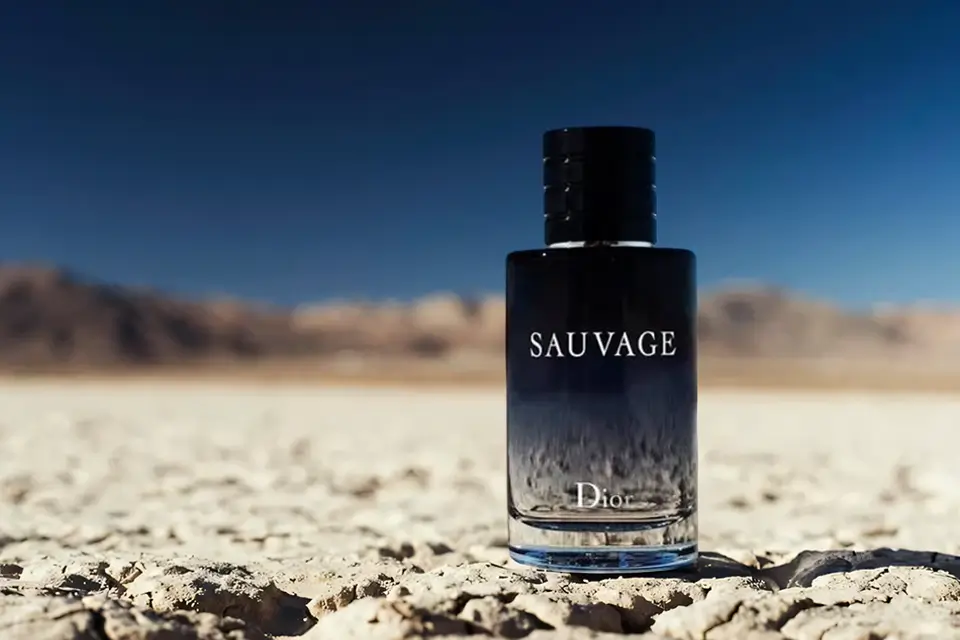
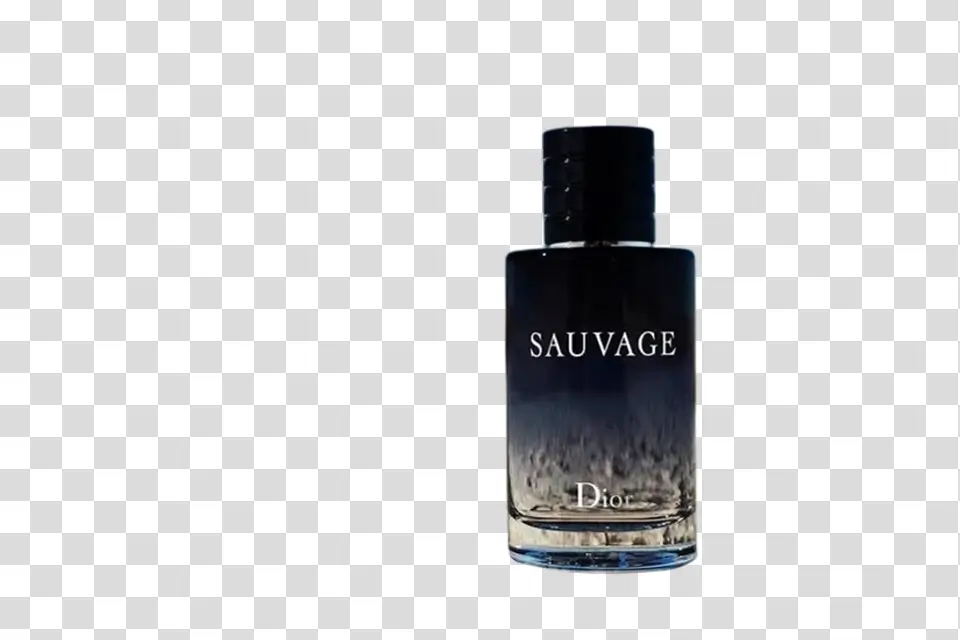
Replace objects, improve details, and redraw selected areas without rebuilding the whole image.


Replace objects, improve details, and redraw selected areas without rebuilding the whole image.
Remove distractions, wires, tourists, or unwanted elements while keeping the scene natural.
One-time payment for the plugin. No subscriptions.
No. You can use Aimagy with Krita, which is free and works great as a Photoshop alternative.
No. Aimagy works with your own API keys, so you only pay the AI provider you choose.
The Krita plugin is the best option for users who want Photoshop-level AI editing without paying for Adobe. The Photoshop plugin is for users who already work in Photoshop.
Yes. Aimagy is designed for marketers, small businesses, creators, and anyone who wants fast results without advanced editing skills.
Install the plugin and start generating and editing visuals instantly.
Download the plugin